|
Help center
This release is primarily focused on giving access to Equipment Loans to Members.
Members and Coordinators can now submit a loan request similar to how they submit a session request. The level of approvals depends on the settings defined by Admins.
Each equipment can be set to auto-approve or require approvals per loan booking.
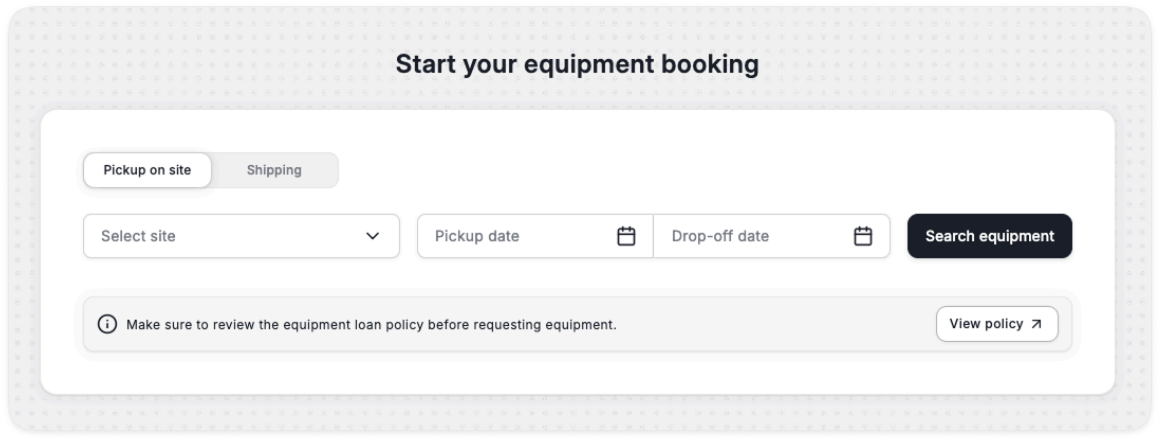
Similar to Admins, members can submit a loan by searching for available equipment for pick-up or shipping.
Note the prep time is hidden from members and is automatically appended based on settings, the system will book the equipment including the prep time.
Policy document is a .pdf that can be configured by Admins.
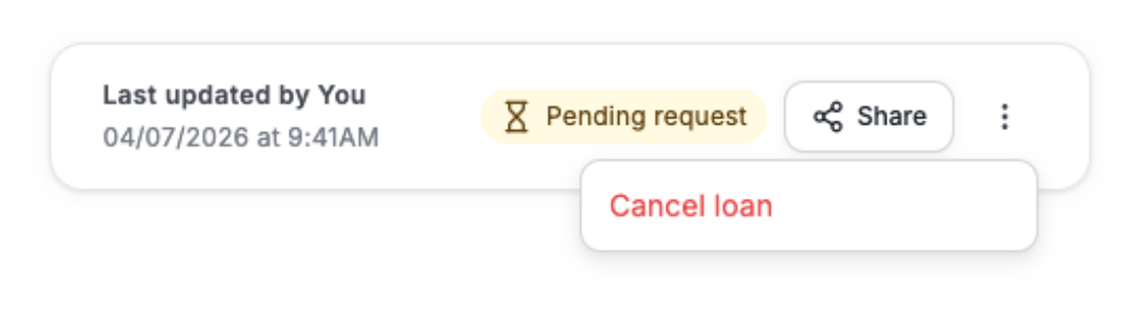
As members submit a loan request, it goes into pending request until approved by Admins (unless it is an auto-approved equipment).
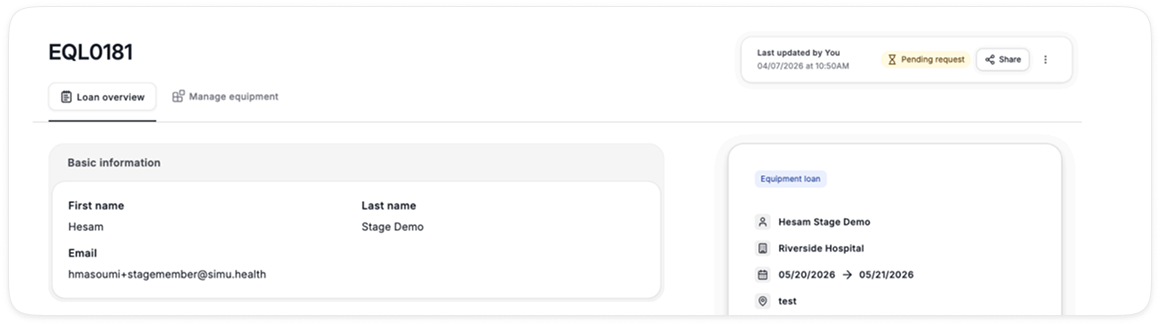
Admins can Approve or Reject loan requests coming from Members.
Once approved, the loan goes through 5 states:
1. Prepare equipment for loan
2. Ready for pickup
3. On loan
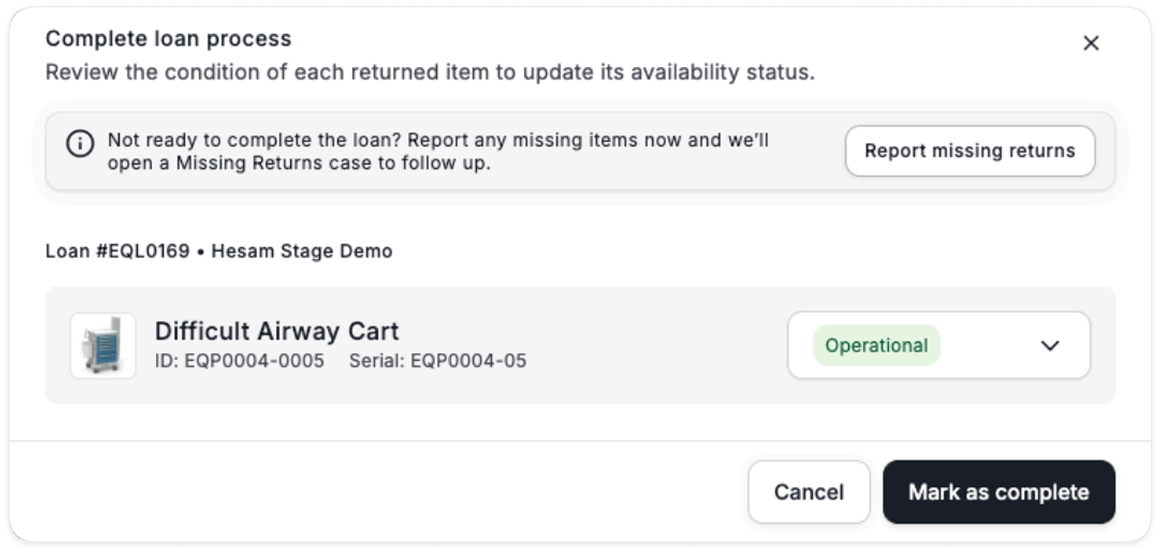
4. Pending inspection
5. Loan complete


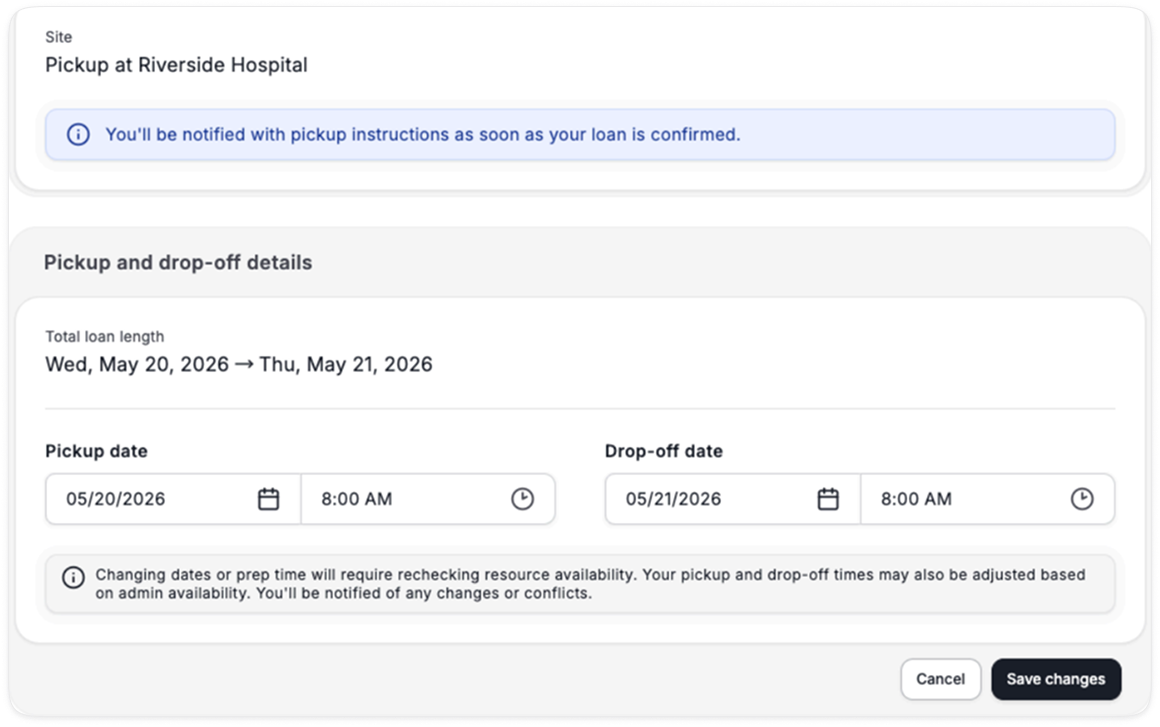
Members can adjust the pick-up / drop-off time before it is confirmed.
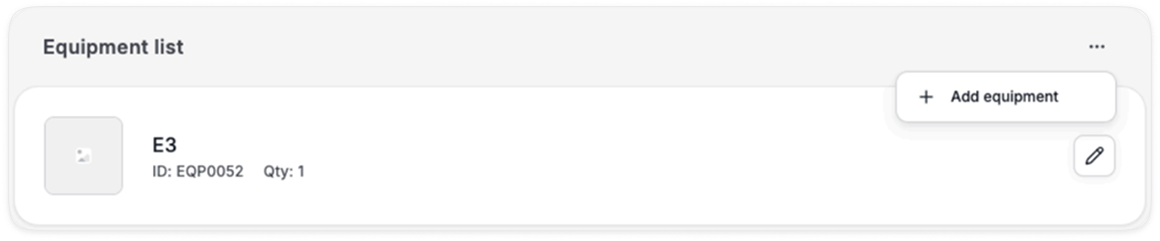
They can also add equipment / remove equipment.