|
Help center
This release is focused on updates to the booking flow. We are introducing ways to book multiple rooms at once, specifying the meeting time down to the minute, booking outside of operating hours, and the ability to rename activities for further customization.
The goal is to create more efficient ways to book sessions and activities. These features complement and add to existing capabilities such as serial booking (booking multiple dates at once), and the use of templates for quicker scheduling.
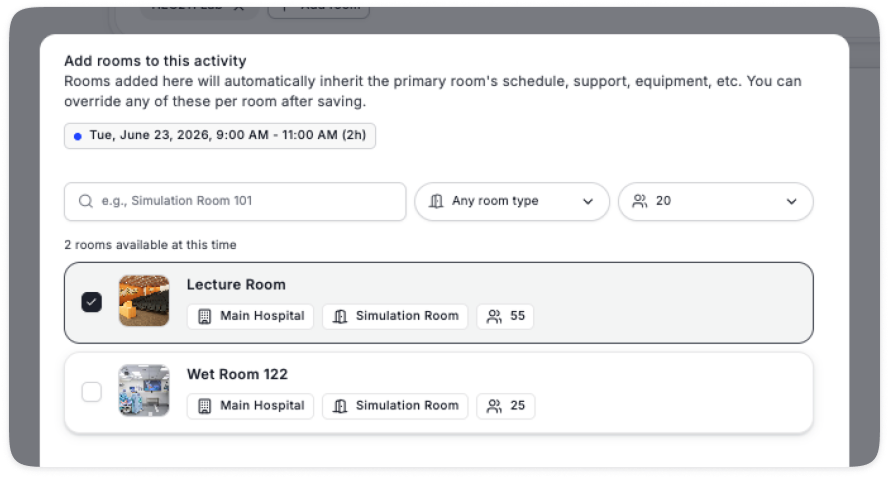
This feature allows for booking multiple rooms (along with staff and equipment) at once for the same date and time
To start a multi-activity booking, select a date and time, and select 1 room
Once a room is selected, add more rooms that are available
Add room
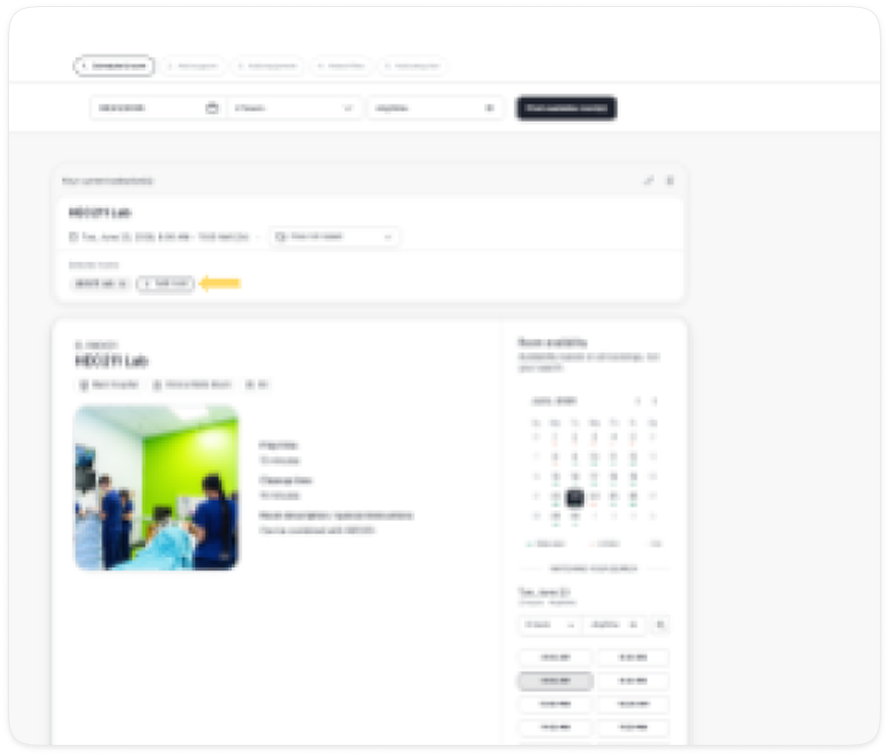
Select multiple available rooms
By default, the activity inherits the room name
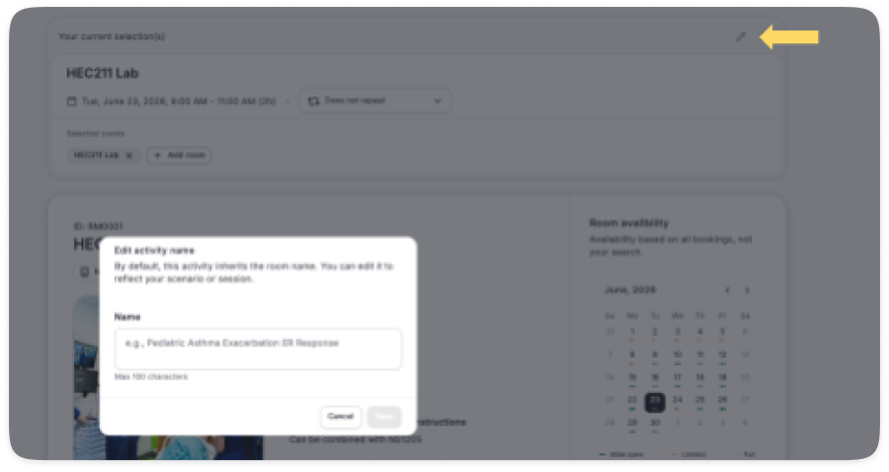
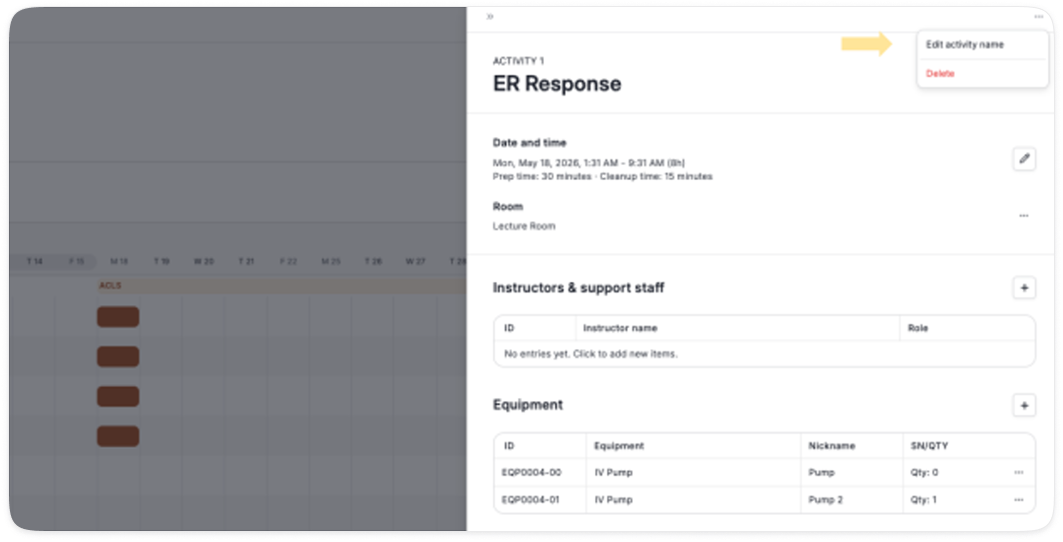
You can now rename the activity to customize it, for example naming the scenario, the lecture topic or the breakout cohort
Edit name
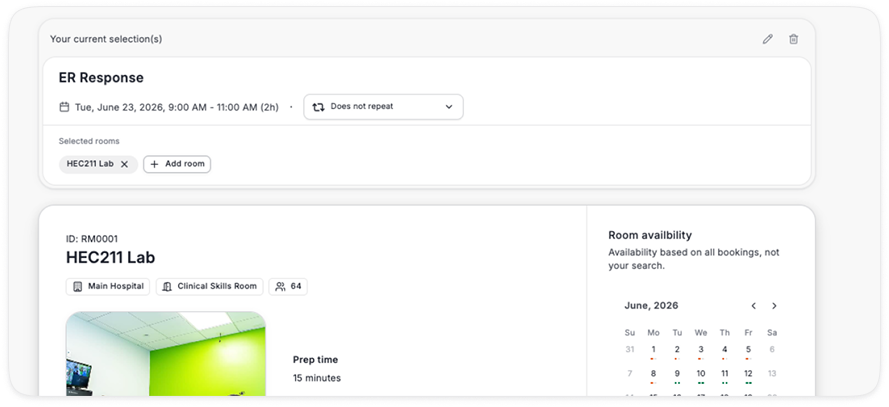
Edited name
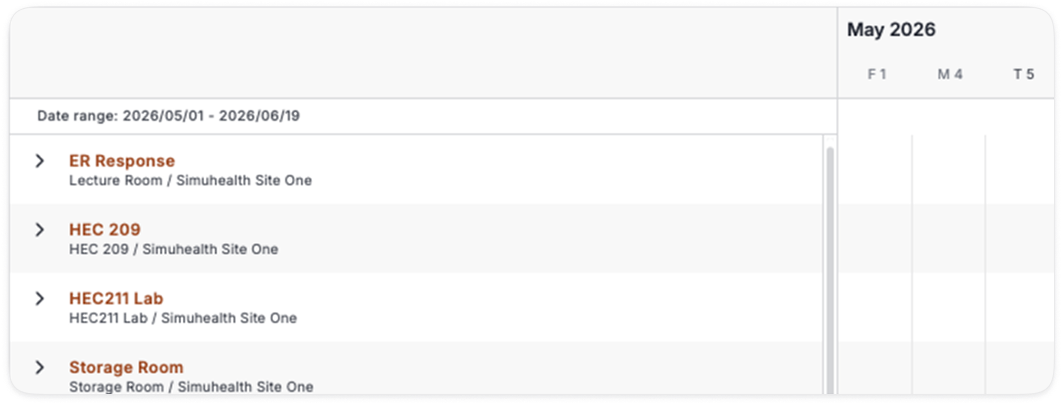
Custom name on timeline
Edit existing activity name
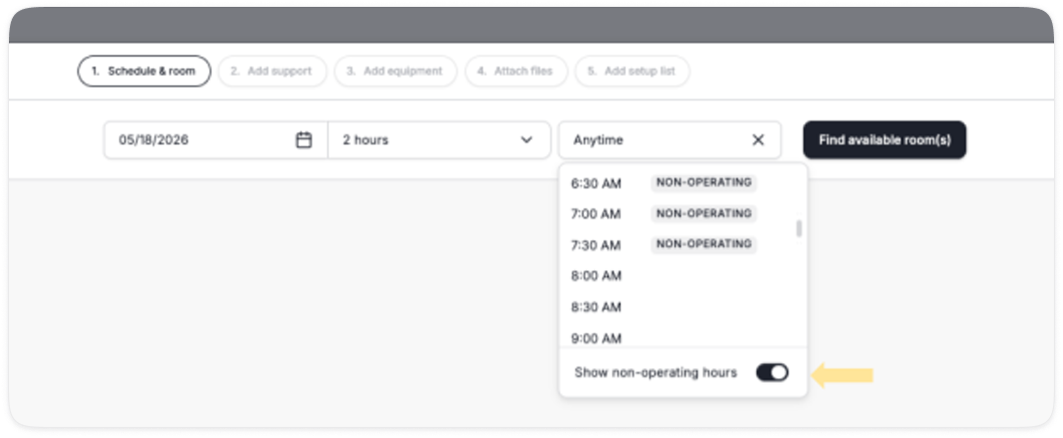
Users with the appropriate permission can now search for availability outside of operating hours by turning on the toggle in the time selection
“Manage sessions”
Enable non-operating hours toggle
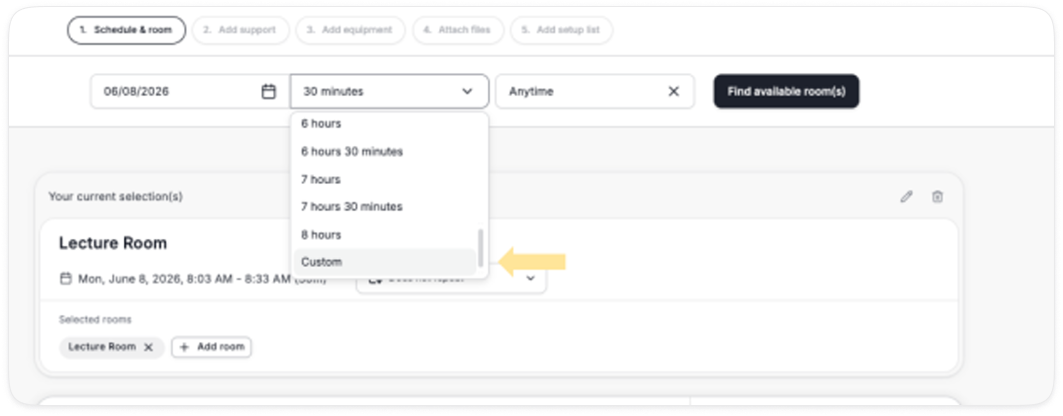
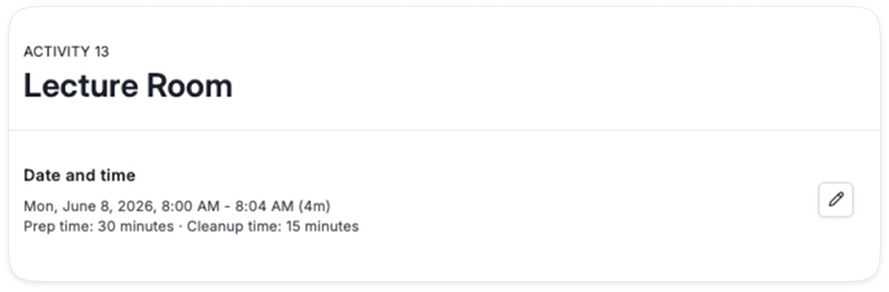
Activities can now be booked in minute increments
When searching for a timeslot, click on the time increment and manually enter a time down to the minute
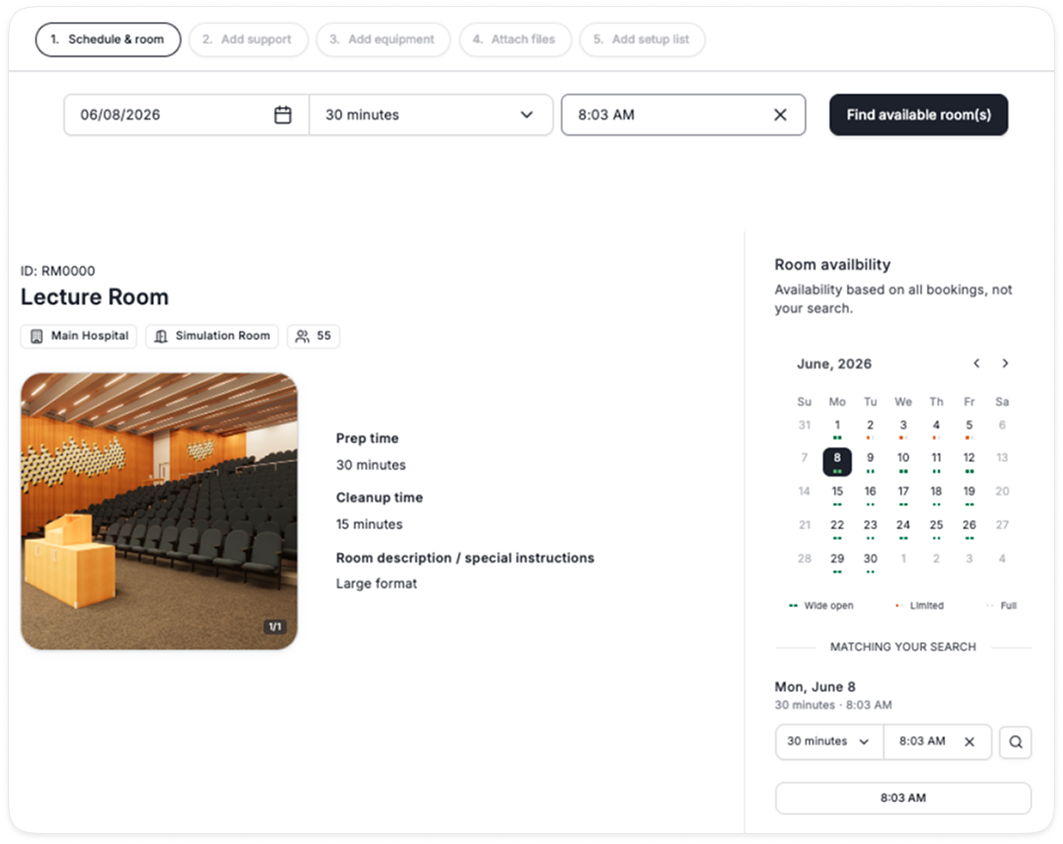
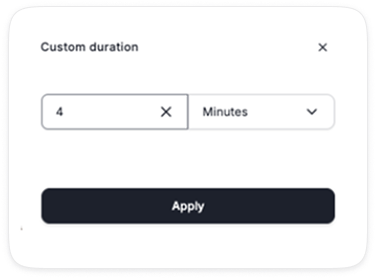
You can further customize the duration of a session to be less/more than the default 30 minute increment