
|
Help center
This release includes easier access to Templates and the ability to add Attachments to a session. We also introduced custom domains that help centres have unique Simuhealth URLs.
Templates can be accessed via the main menu or on the session creation page
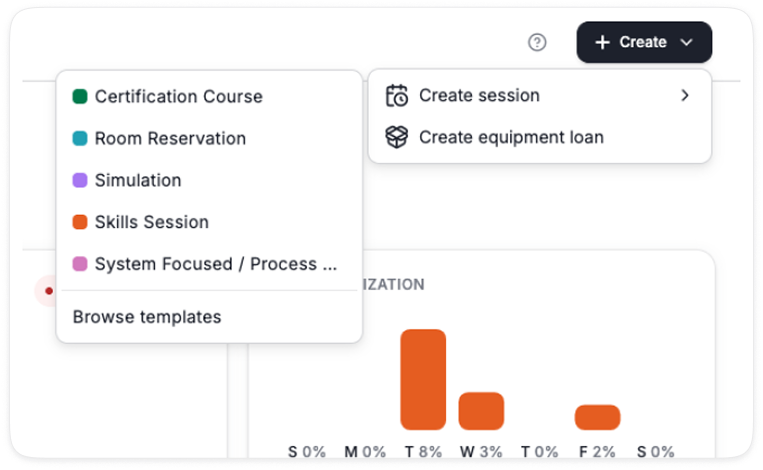
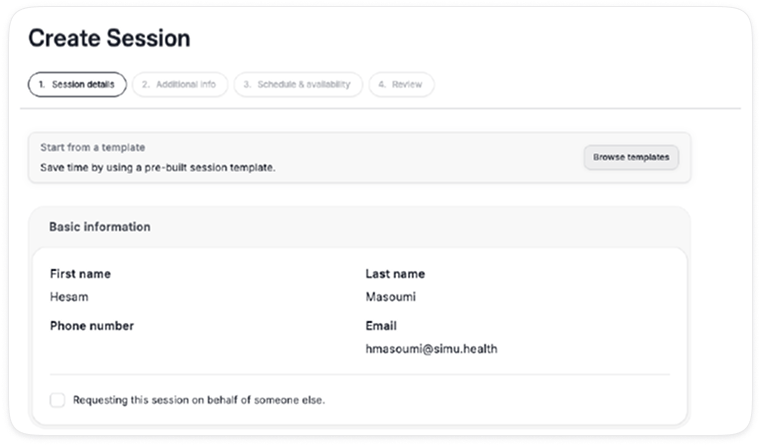
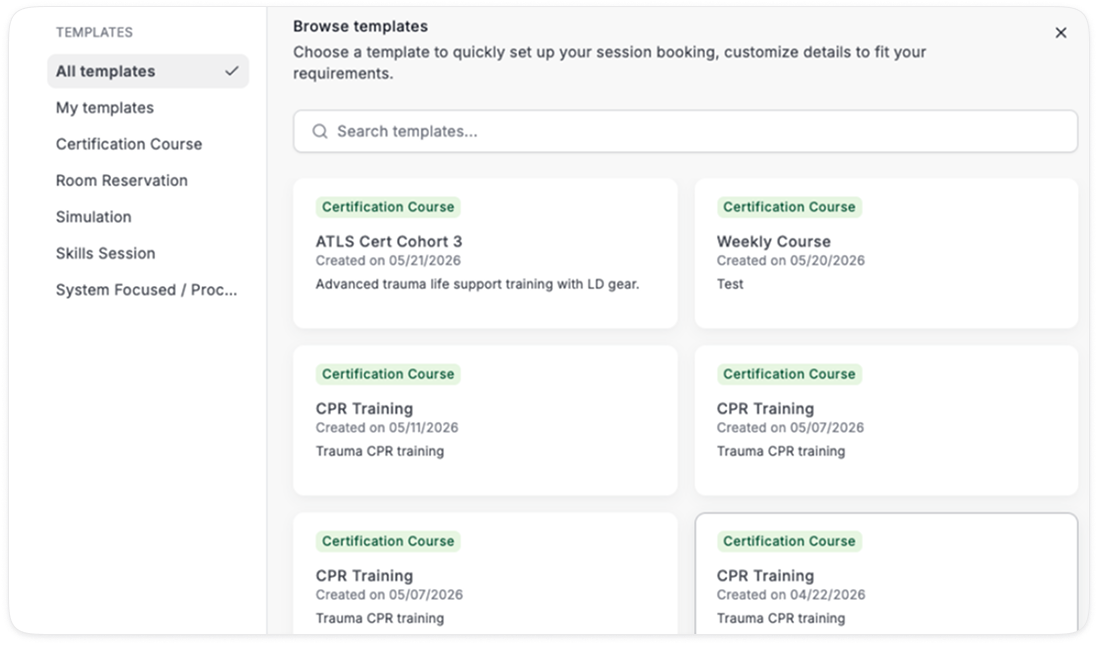
In the browse window, you can search for templates and filter based on the session type
You can browse All templates or My templates

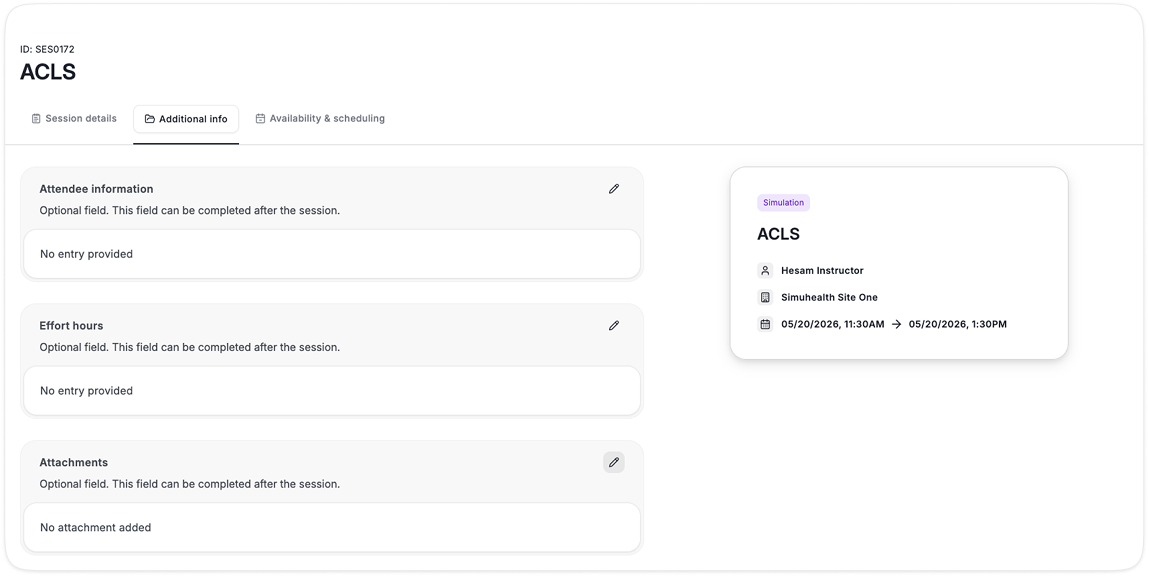
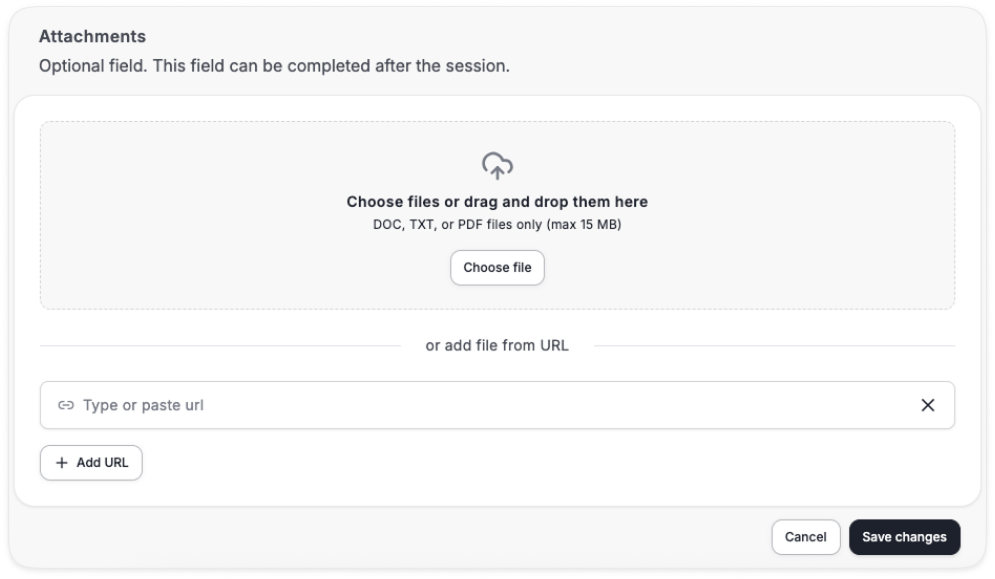
Previously attachments and links were limited to activities tied to a specific room
You can now add attachments to a session overall, in addition to adding it to a specific activity
You can continue to login using app.simu.health as per today, this does not change
When you login, it will take you to your company’s unique URL automatically
This URL will match your company name in your settings.
In the example below it is demo-company.simu.health
You can always login via the global page app.simu.health and the system will direct your to your company URL
Or you can login directly via your unique URL example-company.simu.health
If you change your company name, the URL will update to match it
In the future, you will be able to further customize your unique landing page with instructions, additional branding, contact information, etc.

