
|
Help center
You can personalize your Simuhealth experience by updating your Account Settings.
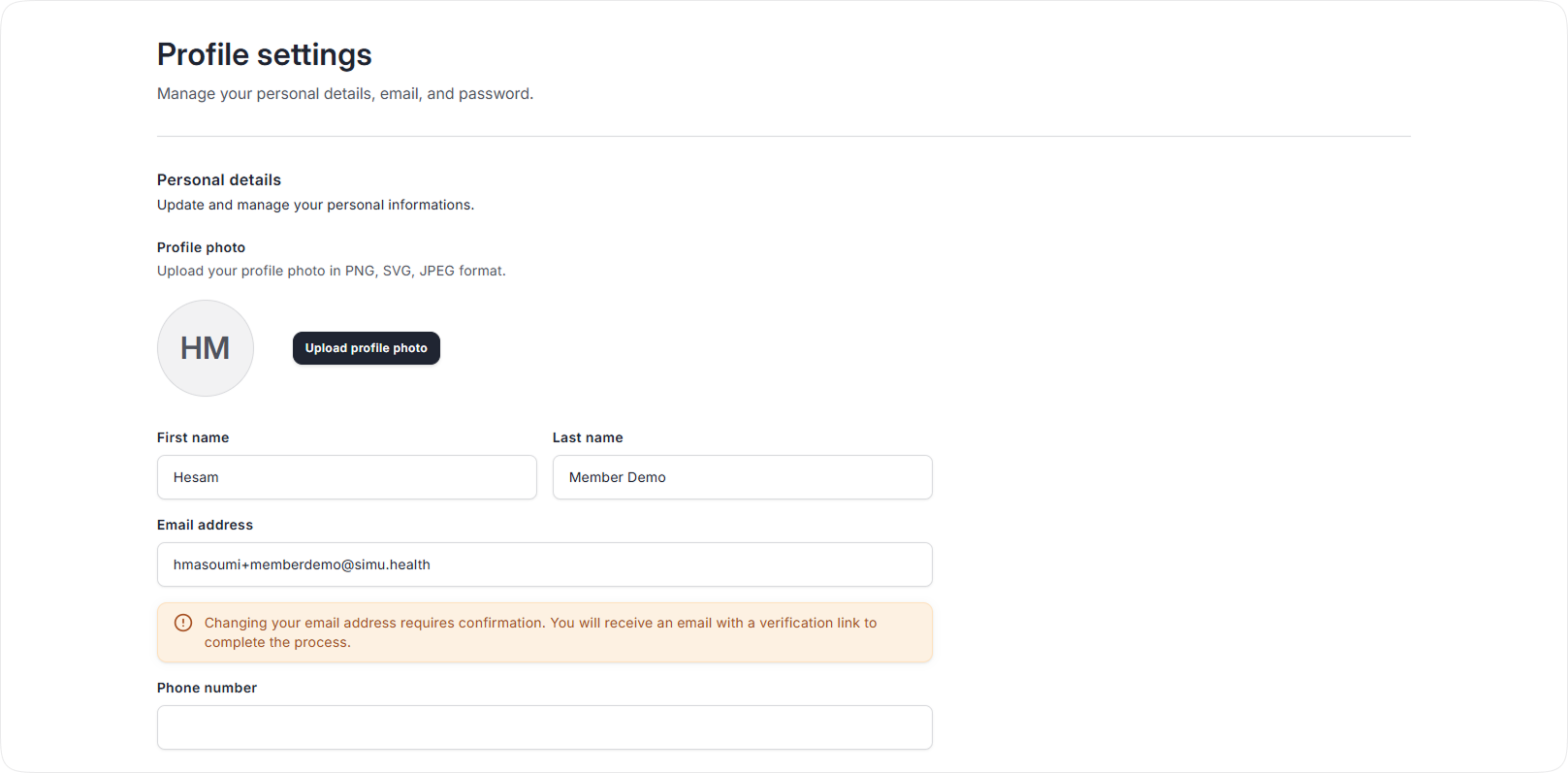
Update your name, email and phone number under Profile settings.
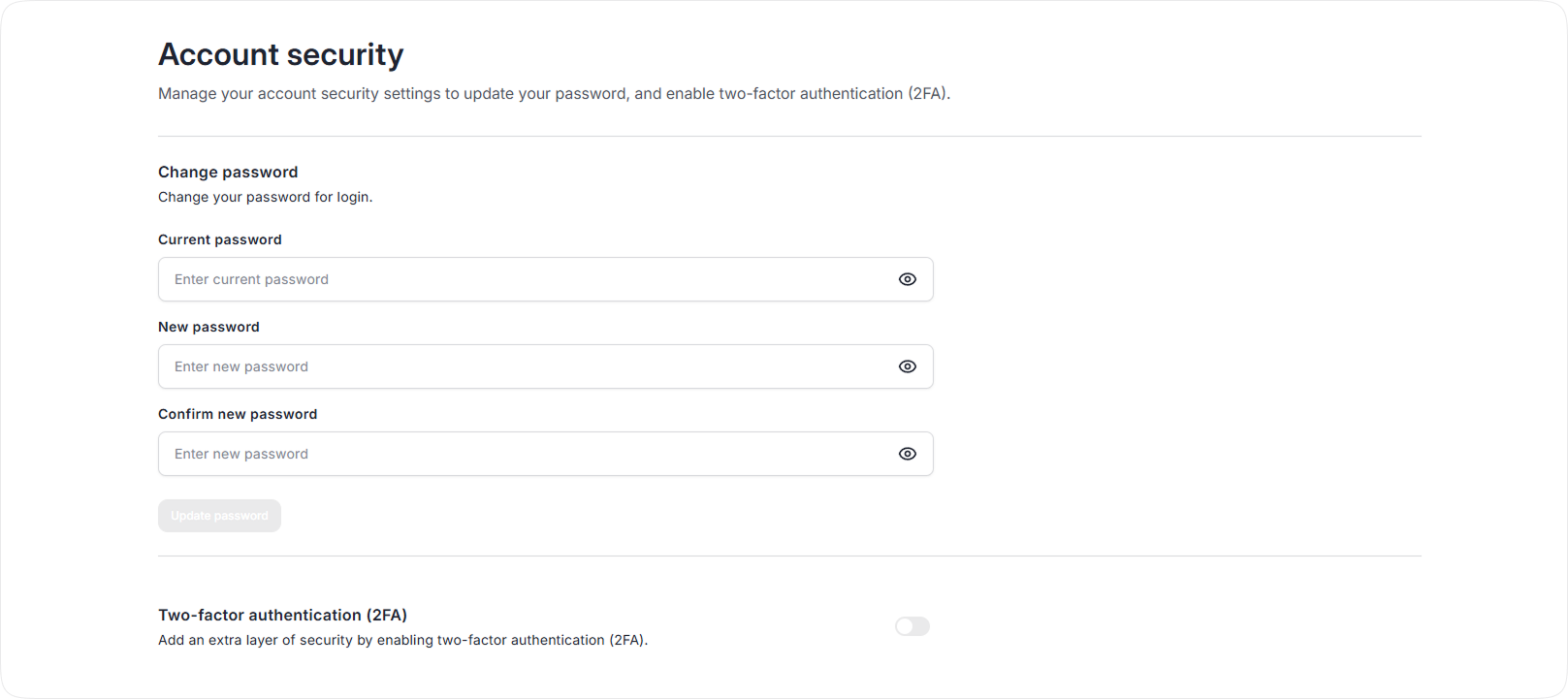
Change your password and setup two-factor authentication for additional security. If you forget your password, you can reset it on the login screen.
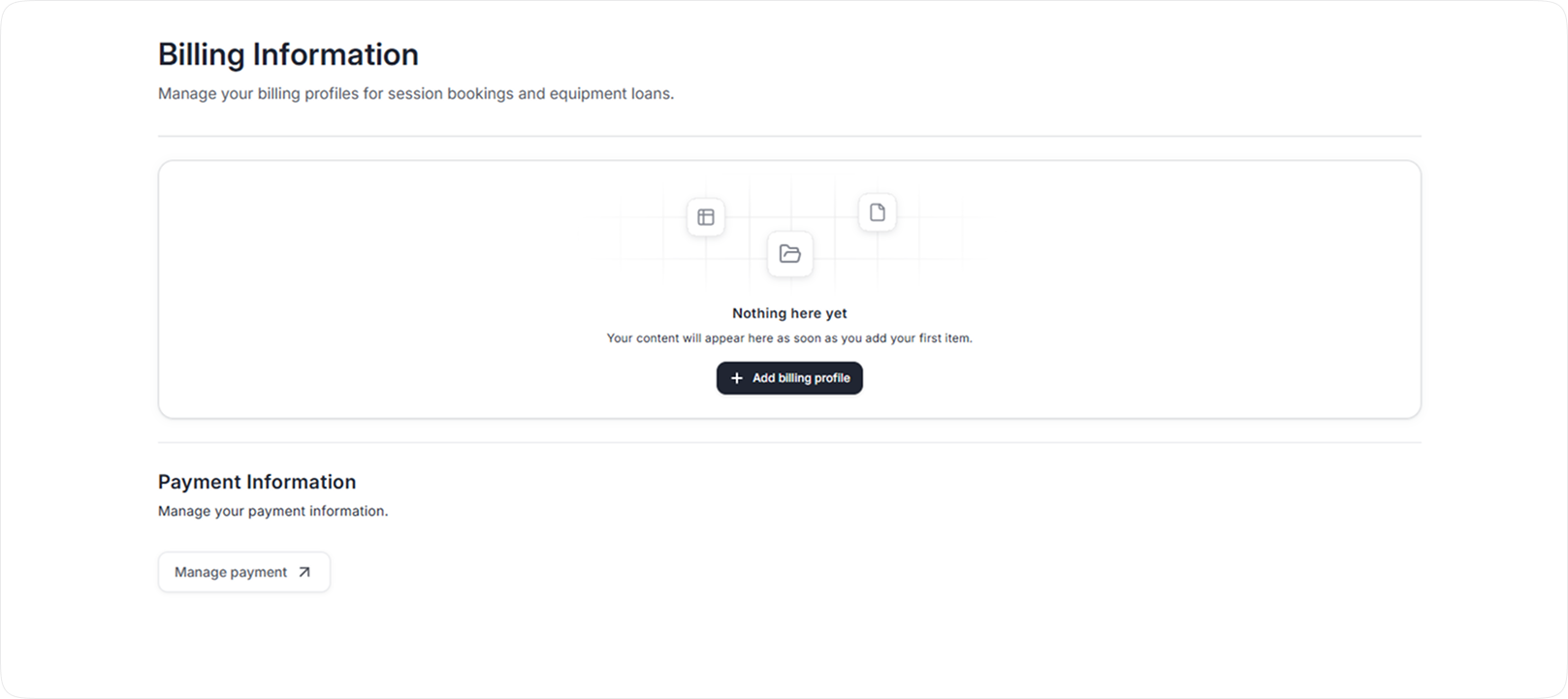
Manage your billing profiles for session bookings and equipment loans where applicable.
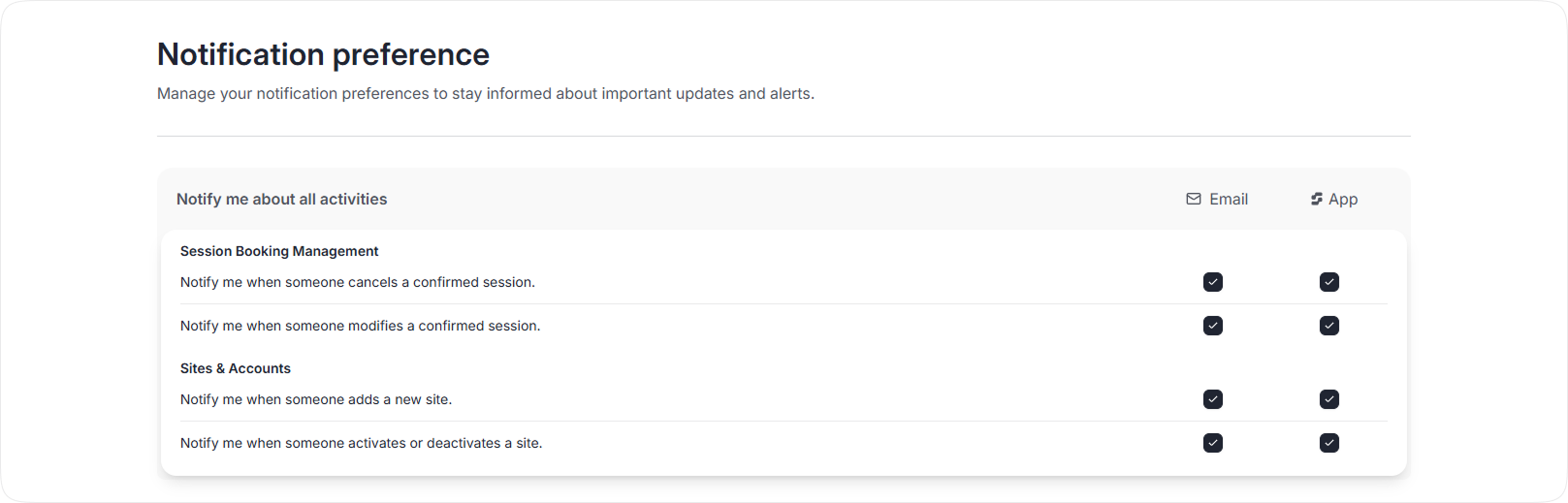
Manage your notification preferences to stay informed about important updates and alerts.
Subscribe to calendars so you can see your sessions, activities and/or loans in Outlook, iCal, Google Calendar, etc.

